
Hot News
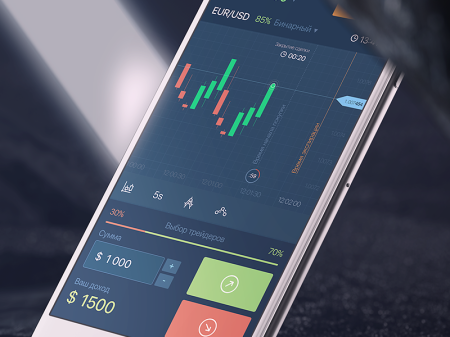
Getting the Binarium Android app installed on your phone means handling device compatibility, storage, and permissions so you can access charts, order tools and account features on the go. Many users encounter blocked installs, outdated OS warnings, insufficient storage, or confusion between the Google Play listing and a direct APK download; addressing those issues before installing prevents failed installs, missing features, or delays when you try to log in or verify your account. Below you'll find clear download choices (Play Store or official APK), step‑by‑step installation for each route, how to grant required permissions safely, and simple checks to confirm the app is genuine. The section also covers update procedures, how to keep session credentials after reinstalling, and quick fixes for common errors such as "app not installed" or connectivity failures. Follow the safe-install tips to avoid unofficial builds and reduce the chance of interrupting deposits, withdrawals, or live trading access.